Make your owntypeface.
Draw, space, kern and export fonts. From the first stroke to the installed font, in one light program.
Three ways to start.
A blank page
Start from the empty Latin set: every cell shows a grey ghost you adopt or redraw.
A handwritten font
Set heights, slant and brush, then write your letters with a pen: they become clean curves.
Your scanned handwriting
Import a scanned specimen, or open an existing font: .glyphs, .ufo, .ttf, .otf…
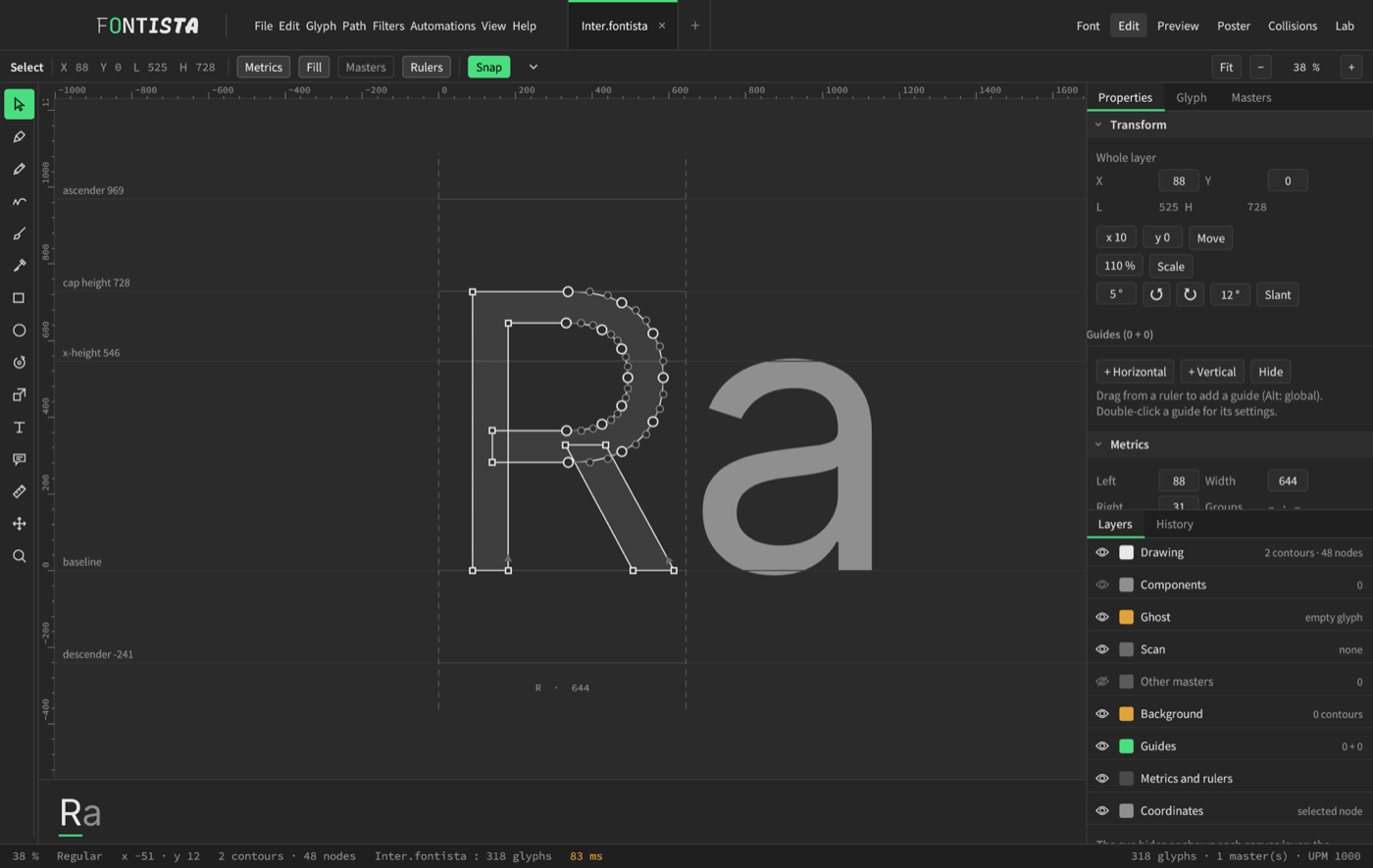
True curves, first time.
Pen, pencil, pressure brush, knife, shapes. A freehand gesture becomes a clean curve outline, with nodes at the extremes.
- Snap to metrics, guides, nodes and the grid
- Star nodes: continuous curvature between two curves, recalculated for you
- Ghosts and scans in the background to redraw over
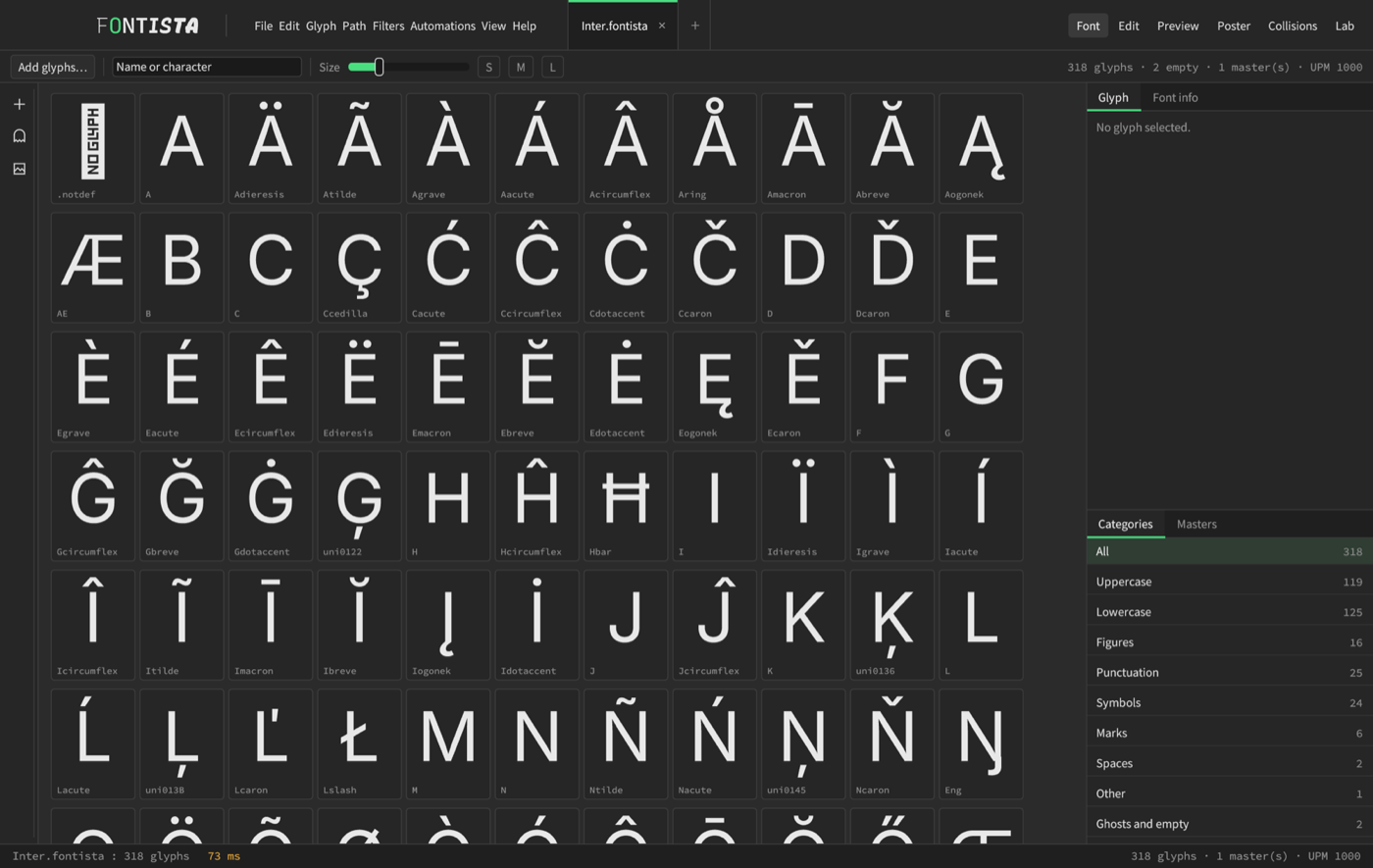
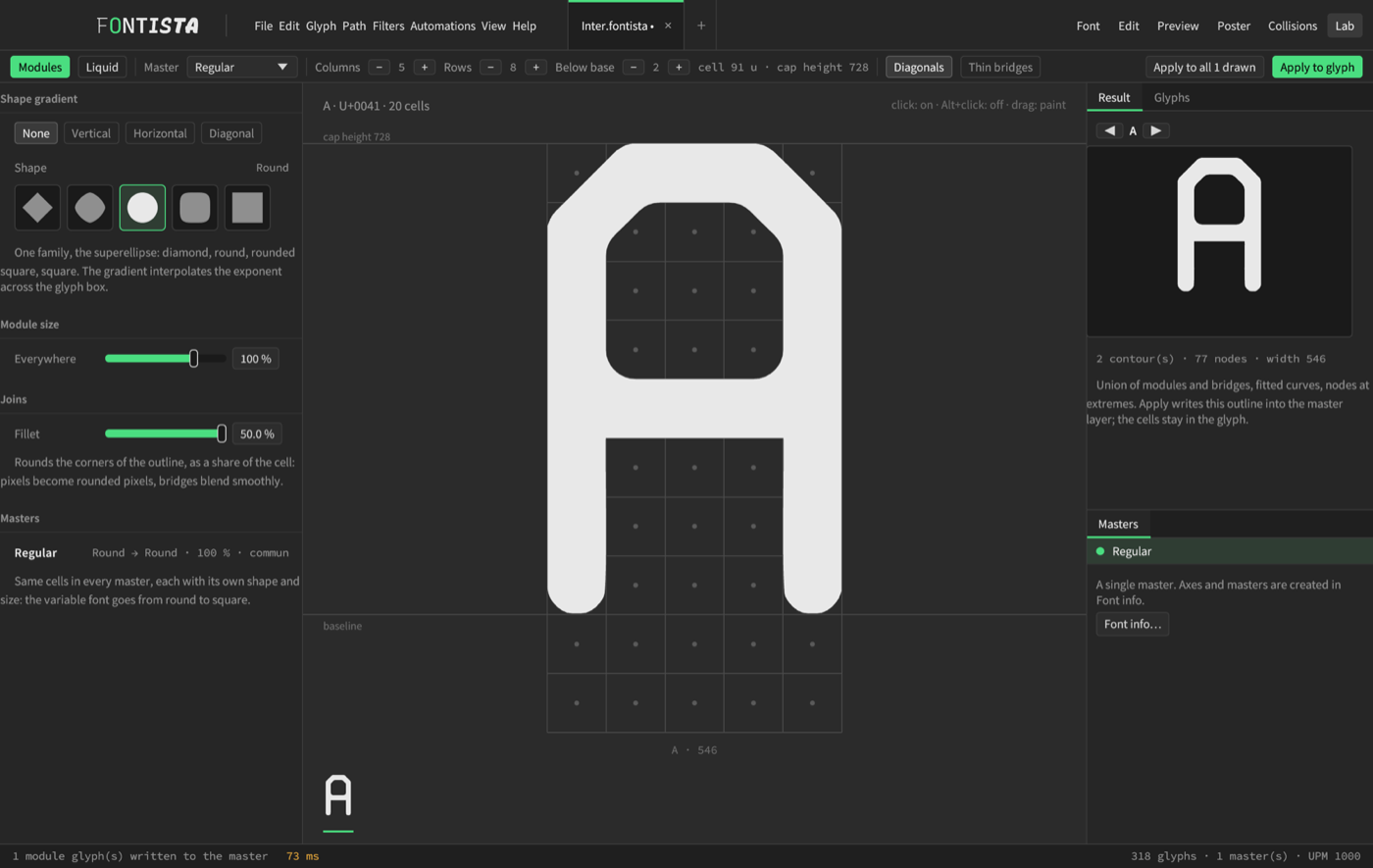
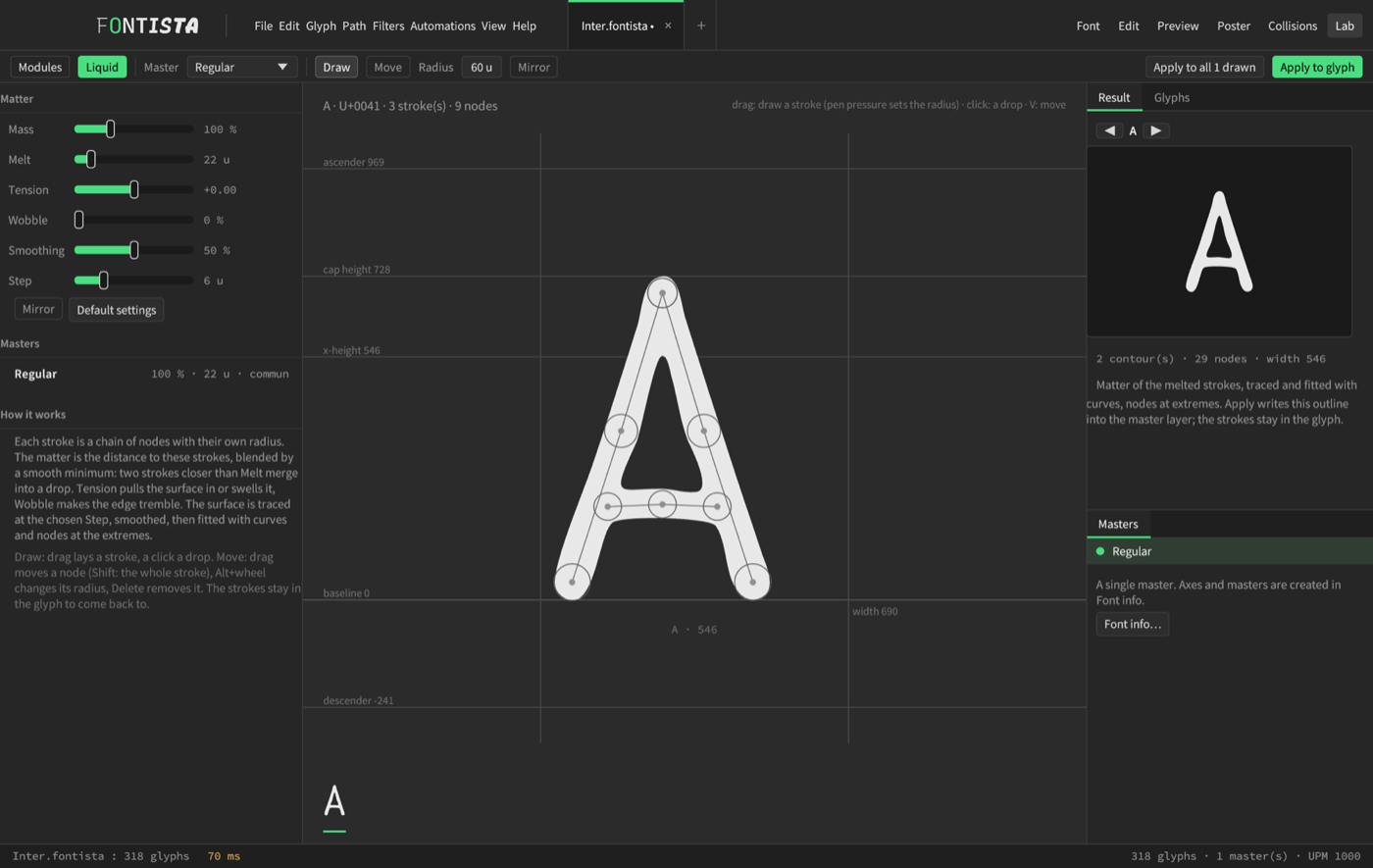
Two workshops to build letters differently.
A letter can be born from a grid of cells or from a stroke of melting matter. The result becomes a real outline of the font, editable like any other.
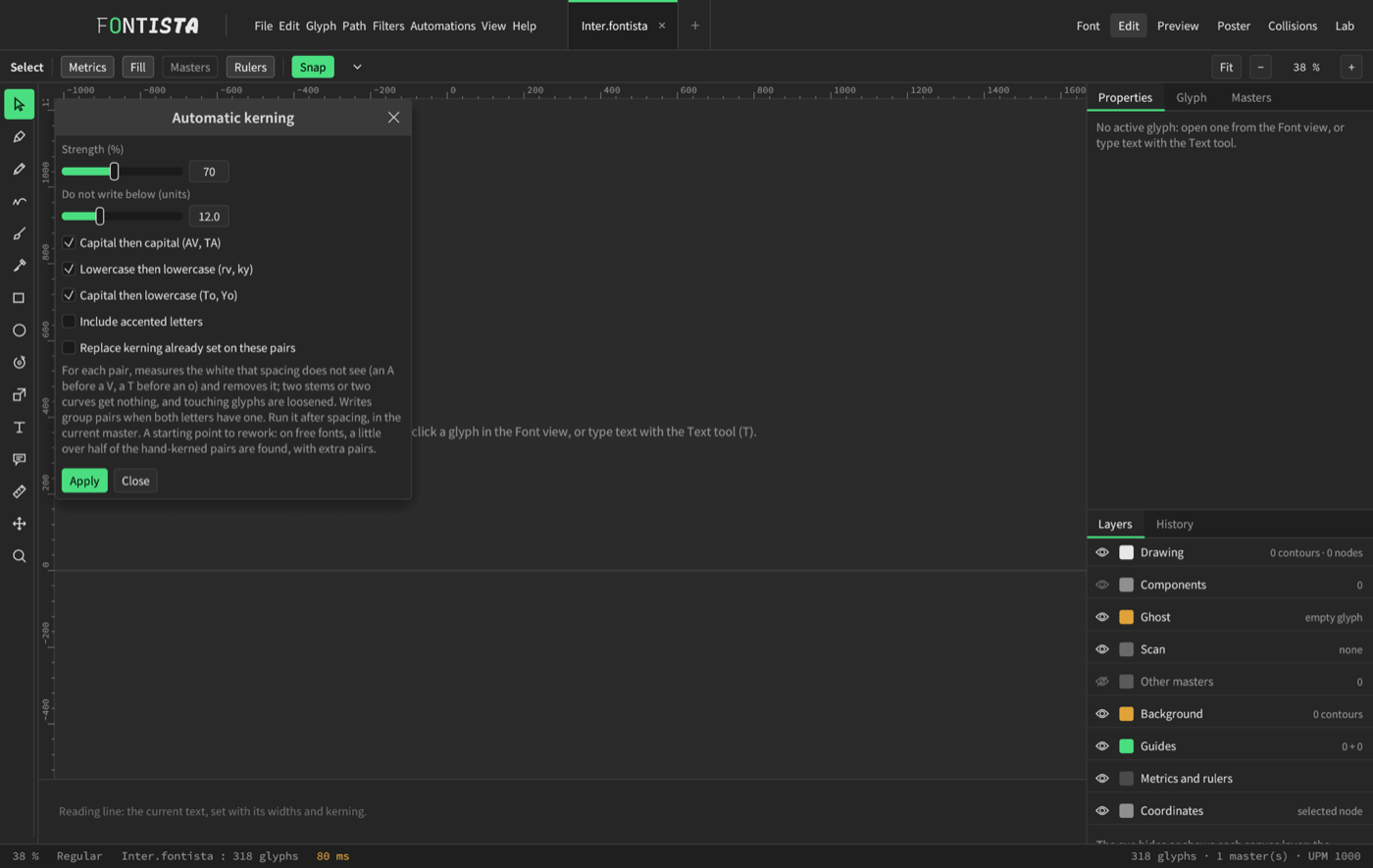
A typeface's rhythm lives in its whites.
Tie sidebearings with keys (=H, =auto), let automatic spacing set the average white, then fix pair by pair.
- Kerning by pairs and groups, proposed automatically
- Collisions tab: every pair whose ink touches
- Preview set by a real shaping engine
From the first stroke to the installed font.
- 01DrawThe letters, with a pen or with curves.
- 02SpaceSidebearings, widths and kerning.
- 03CheckPreview, collisions, specimen poster.
- 04ExportTTF, OTF, WOFF2, variable font.
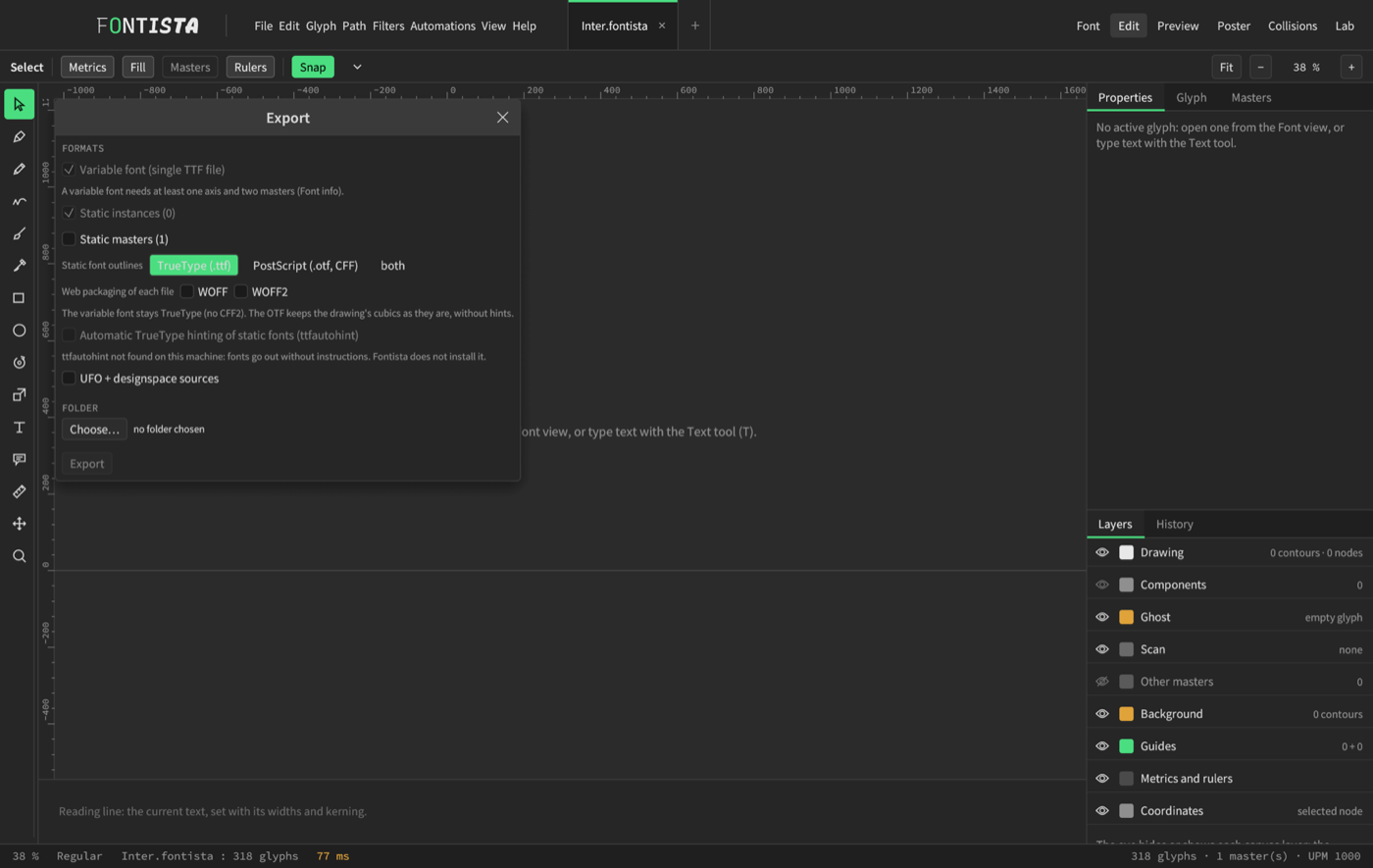
Your files, your formats.
A variable font in a single file, static instances in TrueType or PostScript, web packaging, UFO sources. Nothing goes through a server.
Try the whole workshop, for free.
The trial contains the whole workshop, without export. A licence, bought on sell.thinkspark.dev, unlocks font and poster export.
- Drawing, Lab, Preview, Collisions, Poster
- Open .glyphs, .ufo, .ttf, .otf
- Save as .fontista
- No font or poster export
- Everything in the trial
- Export TTF, OTF, WOFF, WOFF2, variable, UFO
- Poster export: PDF, SVG, PNG
- Command-line tools
Make your own typeface.
A ten-step tutorial with screenshots, and an FAQ, are at your disposal.